
Introduction
Concurrency is a key factor in building efficient applications that handle multiple tasks simultaneously. In Python, two primary approaches to concurrency are multithreading and multiprocessing. Both aim to improve performance, but they work differently due to Python’s Global Interpreter Lock (GIL).
In this blog, we’ll explore threads vs multiprocessing in Python, when to use each, and how to choose the right concurrency model for your application.
1. The Global Interpreter Lock (GIL)
The GIL is a mutex in Python that ensures only one thread executes Python bytecode at a time.
- This means multithreading in Python does not achieve true parallelism for CPU-bound tasks.
- However, it can still be beneficial for I/O-bound tasks where threads spend time waiting (e.g., network requests, file I/O).
Multiprocessing bypasses the GIL by creating separate processes, each with its own interpreter and memory space, enabling true parallel execution on multiple CPU cores.
2. Threads in Python
What are Threads?
- Lightweight units of execution within a single process.
- Share the same memory space.
- Managed by Python’s
threadingmodule.
Example: Using Threads for I/O Tasks
import threading
import time

def download_file(file_id):
    print(f"Downloading file {file_id}...")
    time.sleep(2)  # Simulate I/O delay
    print(f"File {file_id} downloaded!")

threads = []
for i in range(3):
    t = threading.Thread(target=download_file, args=(i,))
    t.start()
    threads.append(t)

for t in threads:
    t.join()
🔹 Best for: I/O-bound tasks like web scraping, database queries, or file operations.
3. Multiprocessing in Python
What is Multiprocessing?
- Runs tasks in separate processes, each with its own memory and Python interpreter.
- Avoids the GIL and achieves true parallelism.
- Managed by Python’s
multiprocessingmodule.
Example: Using Multiprocessing for CPU Tasks
import multiprocessing
import math

def compute_factorial(n):
    print(f"Computing factorial of {n}...")
    result = math.factorial(n)
    print(f"Factorial of {n} = {result}")

if __name__ == "__main__":
    numbers = [100000, 120000, 150000]
    processes = []
    for num in numbers:
        p = multiprocessing.Process(target=compute_factorial, args=(num,))
        p.start()
        processes.append(p)

    for p in processes:
        p.join()
🔹 Best for: CPU-bound tasks like data processing, image transformations, or heavy computations.
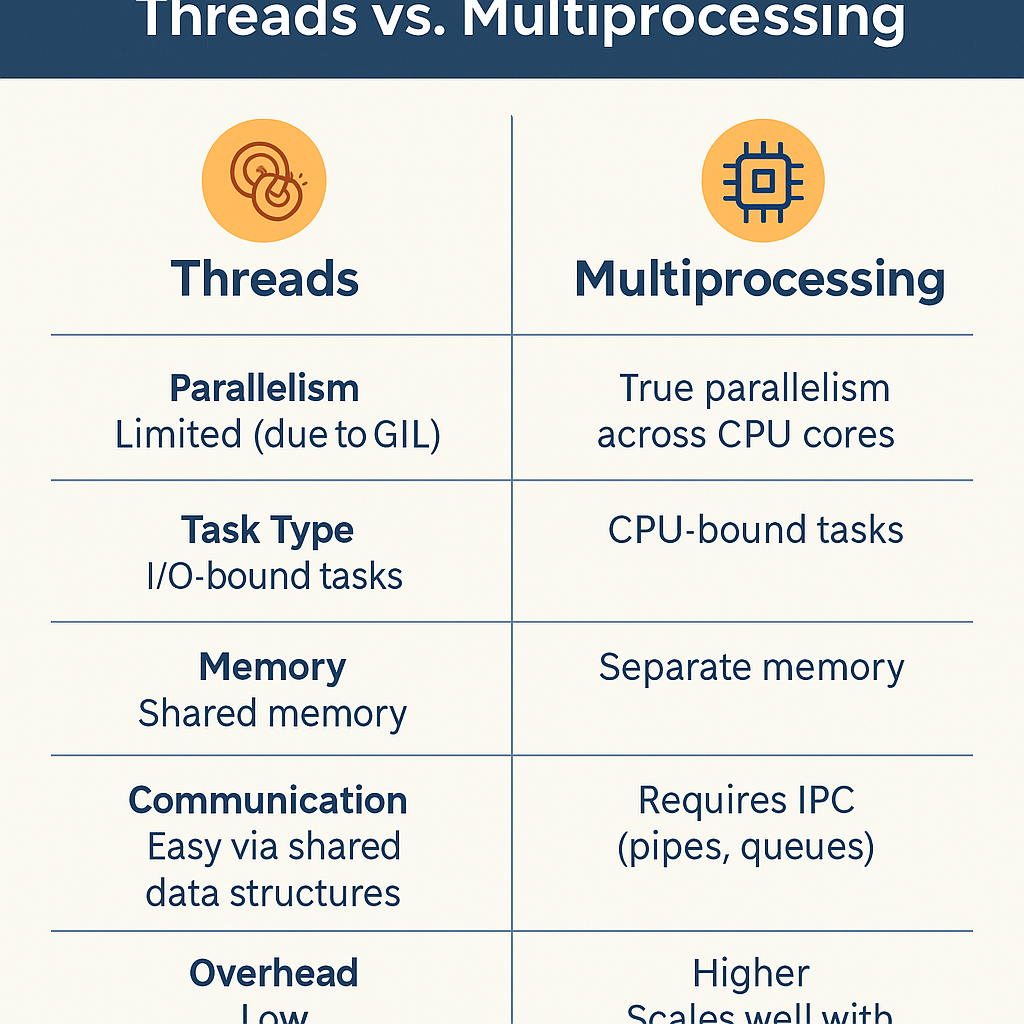
4. Comparing Threads vs Multiprocessing
| Feature | Threads | Multiprocessing |
|---|---|---|
| Parallelism | Limited (due to GIL) | True parallelism across CPU cores |
| Best for | I/O-bound tasks | CPU-bound tasks |
| Memory | Shared memory (efficient) | Separate memory (higher usage) |
| Communication | Easy via shared data structures | Requires IPC (pipes, queues) |
| Overhead | Low | Higher (spawning processes is costly) |
| Scalability | Limited by GIL | Scales well with multiple cores |
5. When to Use Which?
✅ Use Threads When:
- You’re handling many I/O-bound tasks (e.g., downloading files, web requests).
- You want lightweight concurrency with minimal memory overhead.
- Shared state across tasks is important.
✅ Use Multiprocessing When:
- You’re handling CPU-bound tasks (e.g., ML computations, video encoding).
- You need to utilize multiple cores efficiently.
- Independent tasks don’t need frequent communication.
6. Hybrid Approaches
Some applications require both:
- Use threads for I/O tasks (fetching data).
- Use multiprocessing for CPU-heavy computations (processing fetched data).
Frameworks like concurrent.futures (ThreadPoolExecutor and ProcessPoolExecutor) make hybrid concurrency easier to implement.
Conclusion
Concurrency in Python boils down to understanding your task type:
- Threads excel at I/O-bound operations where tasks spend time waiting.
- Multiprocessing is ideal for CPU-heavy workloads where true parallelism is needed.
- A hybrid approach often gives the best of both worlds.