
Introduction
Forms are one of the most critical parts of modern web applications — from user registrations and event bookings to payment checkouts and survey workflows. In React, building large forms or multi-step workflows can quickly become complex if not managed properly.
In this blog, we’ll explore strategies, libraries, and best practices for handling large forms and building smooth multi-step form workflows in React applications.
1. Challenges with Large Forms in React
- State management: Too many controlled inputs can make the state heavy.
- Validation complexity: Complex conditional logic for fields.
- User experience: Long forms discourage users from completing them.
- Performance issues: Re-renders caused by large numbers of form inputs.
2. Controlled vs Uncontrolled Components
Controlled Components
- React manages the input state with
useState. - Easier to validate and track input changes.
- Example:
const [name, setName] = useState("");
<input value={name} onChange={(e) => setName(e.target.value)} />
Uncontrolled Components
- DOM manages input state using
ref. - Better for performance with large forms.
- Example:
const nameRef = useRef();
<input ref={nameRef} />
👉 Use controlled components for smaller forms and uncontrolled (or hybrid) for large, performance-heavy forms.
3. Multi-Step Form Workflows
Why Multi-Step Forms?
- Breaks long forms into digestible steps.
- Improves user experience and completion rates.
- Allows saving progress and resuming later.
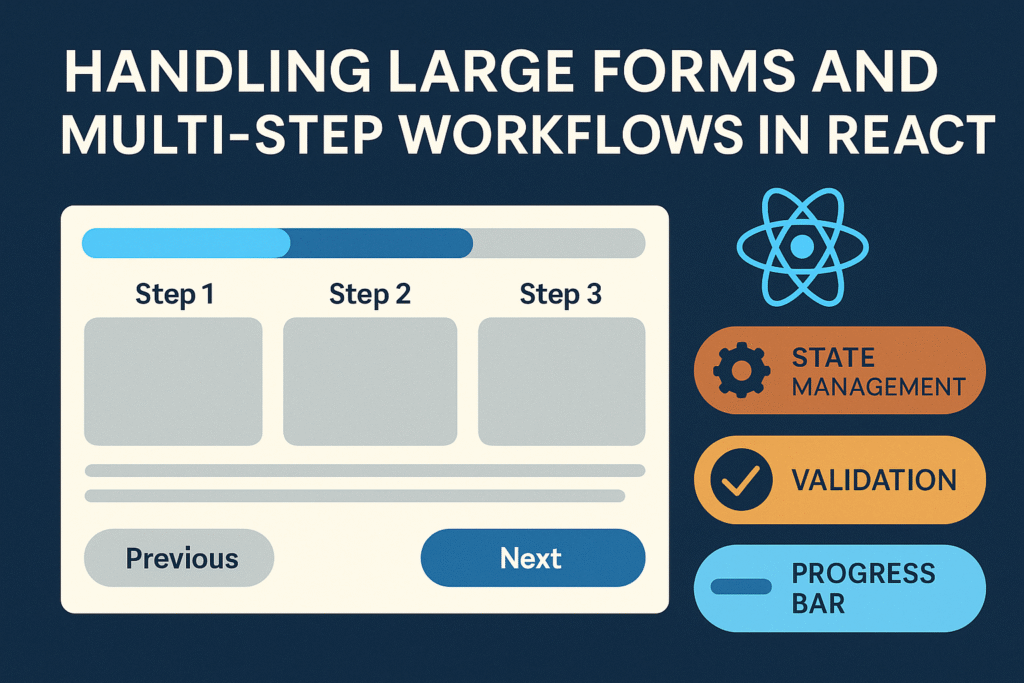
Example: Multi-Step Form Flow
function MultiStepForm() {
  const [step, setStep] = useState(1);

  const nextStep = () => setStep(step + 1);
  const prevStep = () => setStep(step - 1);

  return (
    <div>
      {step === 1 && <StepOne nextStep={nextStep} />}
      {step === 2 && <StepTwo nextStep={nextStep} prevStep={prevStep} />}
      {step === 3 && <StepThree prevStep={prevStep} />}
    </div>
  );
}
4. Using Form Libraries
a) Formik
- Simplifies handling form state, validation, and submission.
- Works well with Yup for schema-based validation.
<Formik
  initialValues={{ email: "" }}
  validationSchema={Yup.object({ email: Yup.string().email().required() })}
  onSubmit={(values) => console.log(values)}
>
  <Form>
    <Field name="email" type="email" />
    <ErrorMessage name="email" />
    <button type="submit">Submit</button>
  </Form>
</Formik>
b) React Hook Form
- Lightweight and performance-focused.
- Works well for large forms due to uncontrolled components under the hood.
const { register, handleSubmit } = useForm();
const onSubmit = (data) => console.log(data);

<form onSubmit={handleSubmit(onSubmit)}>
  <input {...register("firstName")} />
  <input type="submit" />
</form>
5. Validation Strategies
- Synchronous validation with Yup or custom functions.
- Asynchronous validation (e.g., checking username availability via API).
- Step-level validation in multi-step forms to prevent moving forward without completing mandatory fields.
6. Saving Progress and Drafts
For longer workflows:
- Save form data in localStorage or sessionStorage.
- Save drafts to the backend via API for resuming later.
useEffect(() => {
  localStorage.setItem("formData", JSON.stringify(formData));
}, [formData]);
7. Performance Optimization
- Use React.memo to prevent re-renders of form fields that don’t change.
- Lazy-load heavy components (e.g., file upload, WYSIWYG editors).
- Split forms into smaller components for granular rendering.
- For huge datasets (like country lists), use autocomplete + virtualization (e.g.,
react-window).
8. Enhancing User Experience
- Add a progress bar to show step completion.
- Allow users to navigate back and forth between steps.
- Provide inline validation messages instead of only at submission.
- Use conditional rendering to show/hide fields based on prior answers.
Conclusion
Handling large forms and multi-step workflows in React requires balancing state management, performance, and user experience. By leveraging tools like Formik or React Hook Form, implementing multi-step flows, and optimizing rendering, developers can create smooth, scalable, and user-friendly form experiences.